Table of Contents
- Importance of Order Confirmation Screens
- Key Elements of an Effective Order Confirmation Screen
- Personalization and User Engagement
- Leveraging Cross-Selling Opportunities
- Incorporating Feedback Mechanisms
- Best Practices for Mobile Optimization
- Case Studies of Successful Implementations
- Conclusion
In today’s competitive mobile commerce landscape, the order confirmation page is no longer just a transactional formality. This touchpoint offers brands an opportunity to reinforce trust and create memorable, engaging experiences that drive loyalty and retention. The best mobile experiences transform routine transactions into key moments of reassurance and connection, encouraging customers to become repeat buyers.
A thoughtfully designed order confirmation screen can reduce post-purchase anxiety while also serving as a launchpad for future engagement. To harness the full power of this screen, businesses need to prioritize both the functional and emotional elements, ensuring users leave with confidence and excitement for what comes next.
By communicating essential details, personalizing recommendations, and offering seamless mobile usability, brands can turn this final step into a springboard for ongoing customer relationships. As competition intensifies across mobile channels, optimizing the order confirmation screen is a strategic advantage no business can afford to overlook.
For businesses looking to deepen customer relationships and create loyalty-driven interactions, consistent attention to the mobile post-purchase journey is essential. Crafting a standout order confirmation experience is a tangible way to stand out from the crowd and deliver value beyond the initial transaction.
Importance of Order Confirmation Screens
The order confirmation screen serves as the final step in the mobile shopping journey and the first impression of post-purchase service. This screen reassures customers that their transaction was successful, builds anticipation for order delivery, and lays the groundwork for future communications. Well-crafted confirmation experiences can also reduce customer service inquiries and increase long-term satisfaction, according to Shopify’s insights on reducing customer churn.
Key Elements of an Effective Order Confirmation Screen
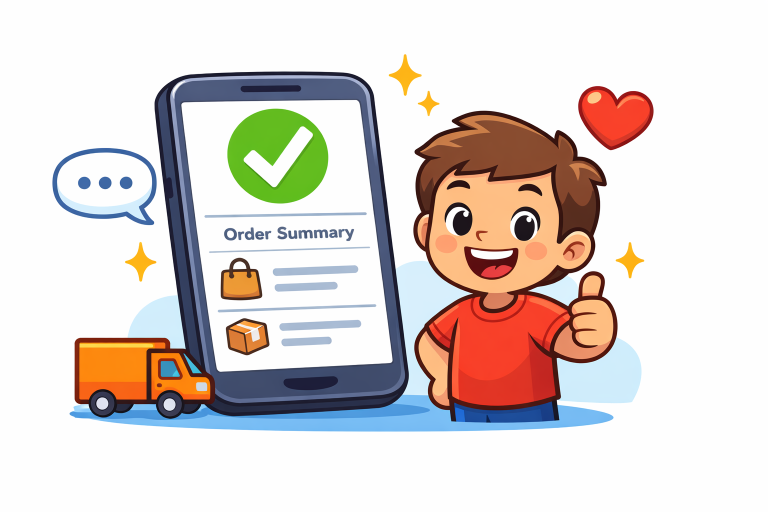
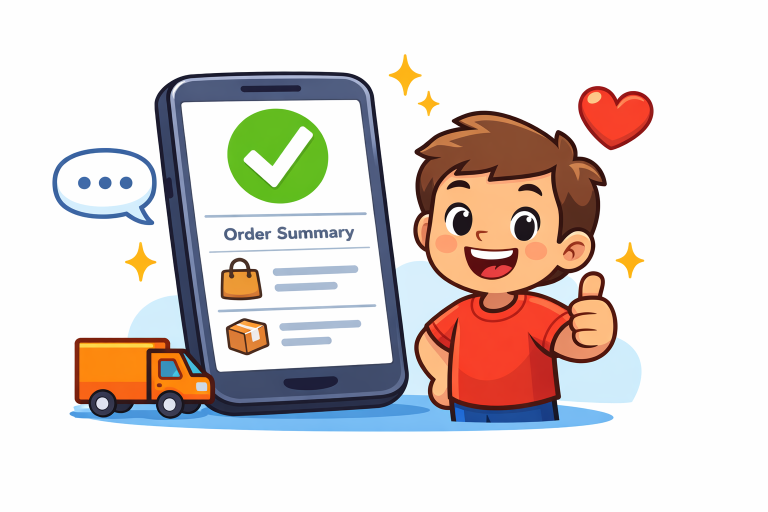
- Clear Confirmation Message: Confirm the order has been placed successfully with straightforward wording and, ideally, positive visual cues.
- Order Summary: Provide a digestible breakdown of items, prices, shipping method, and payment details for the customer’s reference.
- Delivery Information: Clearly state estimated delivery dates and share a link or process for tracking shipments.
- Contact Information: Offer a simple way for customers to reach customer support via chat, email, or phone for any further questions or issues.
Combining these elements not only informs the buyer but also helps build trust and reduce uncertainty after a purchase.
Personalization and User Engagement
Tailoring order confirmation screens to each user’s preferences and purchase history increases the sense of relevance and delight. This could mean addressing the customer by name, suggesting products that fit their style or past orders, or even providing personalized thank-you notes or exclusive offers. A more engaging experience is proven to drive higher retention, with nearly 80 percent of consumers saying they are more likely to repurchase from brands that personalize their interactions.
Leveraging Cross-Selling Opportunities
The order confirmation screen can subtly encourage customers to explore additional, relevant items. For example, suggesting a matching accessory or a frequently bought-together item offers real value without disrupting the flow. The Baymard Institute highlights that incorporating well-chosen cross-sell recommendations at this stage can not only increase average order value but also boost engagement with your product catalog. However, these suggestions should be tailored based on the user’s purchases to avoid being intrusive or irrelevant.
Incorporating Feedback Mechanisms
Asking for feedback directly in the order confirmation screen gives brands real-time insight into the customer experience. A brief, actionable survey or a rating option helps businesses identify strengths and address pain points. Organizations experienced in user experience research, such as Nielsen Norman Group, have found that prompt feedback requests not only foster a sense of partnership but also give companies valuable data to improve ongoing service quality.
Best Practices for Mobile Optimization
- Responsive Design: Automatically adapting to all mobile screen sizes, ensuring content remains readable and functional whether viewed on a small phone or larger tablet.
- Fast Load Times: Keeping the confirmation process snappy and smooth, helping maintain user engagement and reducing abandonment.
- Intuitive Navigation: Using clear calls-to-action, simplified menus, and one-tap access to support or order tracking.
Implementing these mobile-focused enhancements provides a streamlined, frictionless experience that increases the likelihood of repeat business.
Case Studies of Successful Implementations
Real-world examples showcase the business impact of refining order confirmation screens. A leading food delivery app revamped its confirmation interface and optimized its mobile menu, resulting in a 30% increase in repeat orders. Another food delivery startup focused on reducing mobile user friction at checkout, achieving a 32 percent rise in conversion and a 41 percent drop in checkout abandonment.
Conclusion
Optimizing the mobile order confirmation screen is a high-impact way to encourage customer retention, inspire ongoing brand loyalty, and boost overall satisfaction. By combining clarity, personalization, cross-selling, swift feedback loops, and seamless mobile usability, brands can convert ordinary transactions into long-term relationships and transform their bottom line. Investing in an exceptional mobile confirmation experience is not just good UX, it’s smart business.
